21 Coding Websites for Kids (Free & Interactive Options)

Finding coding websites for kids gets overwhelming fast. Some are genuinely beginner-friendly, others look simple but jump into real syntax too quickly.
Over the years, we’ve tried everything from block-based tools like Scratch to structured Python courses once my son wanted something more serious. The difference usually comes down to how the platform introduces logic, and whether it feels like play or school.
Below are coding platforms that work for different ages, learning styles, and budgets, including free options.
**This post may contain affiliate links. As an Amazon Associate and a participant in other affiliate programs, I earn a commission on qualifying purchases.**
Where to Start (By Age & Goal)
If you’re not sure where to begin, this quick guide helps narrow it down:
- Ages 5–7 – ScratchJr or Code.org for simple, visual coding.
- Ages 8–12 – Scratch for creativity or CodeCombat for typing real code.
- Middle school students – CodeCombat, Tynker, or Khan Academy’s JavaScript courses.
- Teens ready for real programming languages – Codecademy, Coursera, or project-based platforms like Roblox Studio.
- Looking for completely free coding sites for kids? Start with Code.org or Khan Academy.
Visual Coding Tools
Visual coding tools are usually the easiest place to start. Instead of typing lines of code, kids snap blocks together and see what happens.
For younger learners especially, removing syntax errors removes frustration. They can focus on logic first — what happens if this repeats? What if this condition changes?
These platforms work well in the early stages before moving into text-based coding.
Scratch
Scratch is still one of the strongest starting points. Kids build games, animations, and interactive stories by dragging code blocks into place.
We used Scratch heavily in the beginning because it let experimentation happen without constant errors popping up. The visual format makes loops and conditionals feel concrete instead of abstract.
The community aspect also matters, being able to remix other projects keeps momentum going.
Blockly
Blockly feels more stripped down. It’s very logic-focused, almost like practicing coding structure without distractions.
If a child wants to understand how programming flows before typing real code, Blockly makes that transition smoother.
Codemoji
Codemoji leans into novelty. Instead of traditional syntax, kids use emojis to represent elements of HTML and CSS.
It’s not something most students stick with long term, but it lowers the intimidation factor early on, especially for web design.
Game-Based Coding Platforms for Kids
Some kids don’t want lessons, they want a game. These platforms blur the line. The coding is baked into the gameplay, so progress happens almost accidentally.
If your child prefers leveling up over watching tutorials, these are worth looking at.
Tynker
Tynker starts with block coding and gradually introduces real languages like Python and JavaScript. It’s structured, almost curriculum-like, which works well if you want progression rather than open exploration.
It does lean toward subscription-heavy, so it’s better if you know your child is committed.
CodeCombat
CodeCombat is closer to a traditional RPG. Kids type real code to move characters and complete quests.
This tends to click with students who already like gaming. The syntax matters here, it’s not drag-and-drop, which makes it a stronger bridge into actual programming.
Since typing becomes more important at this stage, mixing in a few typing games for kids can really help build speed and confidence alongside coding.
Roblox
Roblox is different because the coding happens inside something many kids already use. Through Roblox Studio, they learn Lua while building their own games.
The motivation here isn’t “learn to code.” It’s “build something people will play.” That shift makes a difference.
Code Monkey
CodeMonkey teaches through small challenges and short levels. It introduces real typing-based code early, which some kids like and others find frustrating.
It works best for students who enjoy solving one puzzle at a time rather than building open-ended projects.

Lightbot
Lightbot is more logic training than full coding. Kids guide a robot using sequencing and loops.
It’s simple, but that simplicity is useful at the very beginning.
Alice
Alice feels more academic. It’s a 3D environment focused on storytelling and animation.
It’s less flashy than Roblox or CodeCombat, but strong for understanding how code structures behavior.
Hopscotch
Hopscotch works well on tablets and keeps the barrier low. Kids drag blocks and immediately see results.
It’s not a long-term coding path, but it’s a gentle entry point.

Interactive Coding Classes for Kids
Some kids do better with structure. If open platforms feel overwhelming, a class, live or self-paced, can make a big difference.
These options range from homeschool-friendly programs to more traditional online courses. The right fit usually depends on how much guidance your child actually wants.
CodeWizards
Code WizardsHQ focuses on live, small-group classes. It’s closer to a traditional classroom experience, just online.
If your child benefits from deadlines and teacher feedback, this setup works well. It’s less exploratory and more curriculum-driven.
Outschool
Outschool isn’t a single curriculum, it’s a marketplace. You’ll find everything from one-time Scratch workshops to multi-week Python courses.
Quality depends on the teacher, so reading reviews matters here.
Mytek Lab
Mytek Lab leans strongly into homeschool structure, including options for high school credit.
If you’re building out transcripts or want something that feels academic rather than hobby-based, this one stands out.
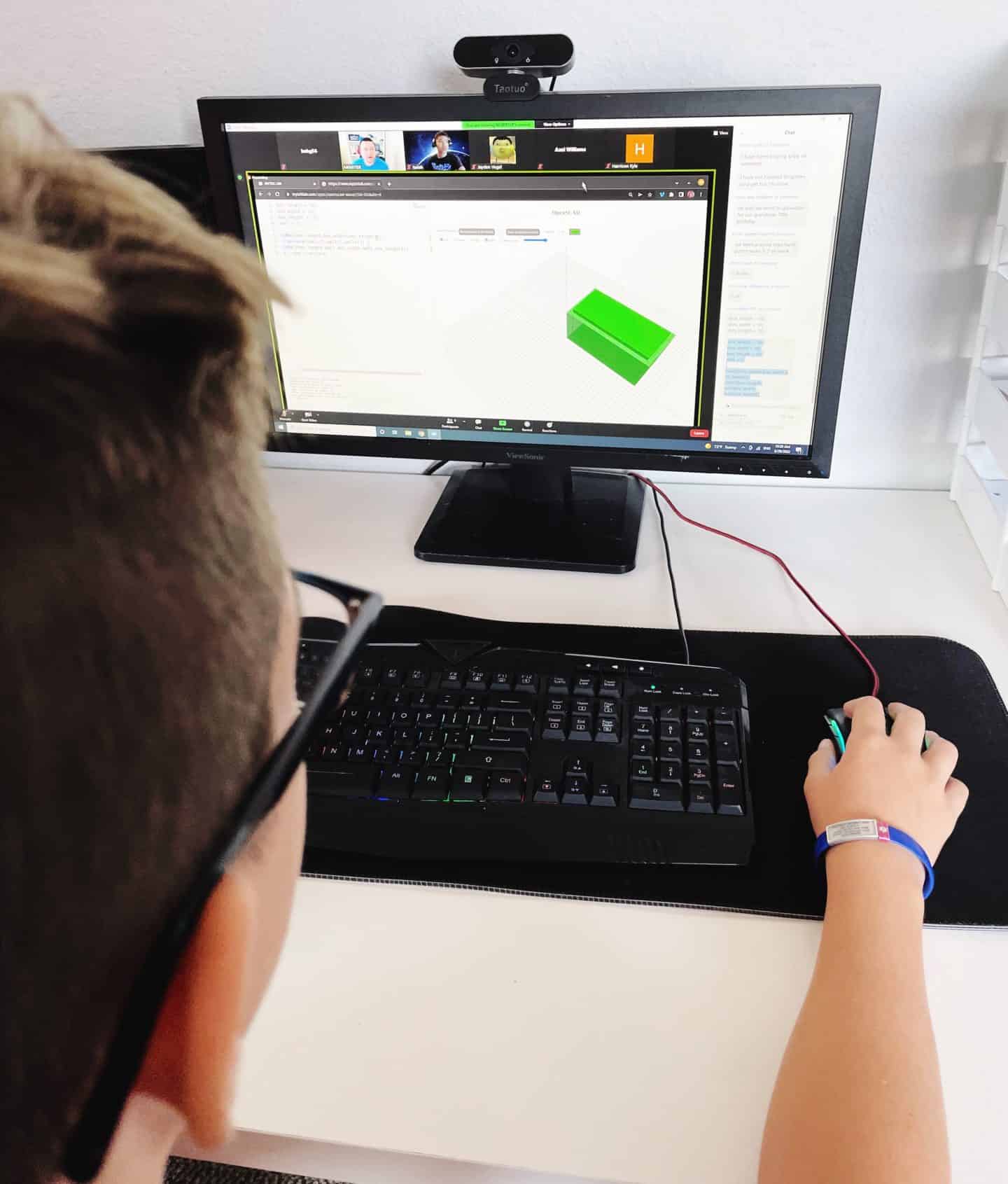
Codakid
CodaKid mixes self-paced learning with optional tutoring support.
It tends to appeal to kids who want to build real projects, especially games, but still need a framework.
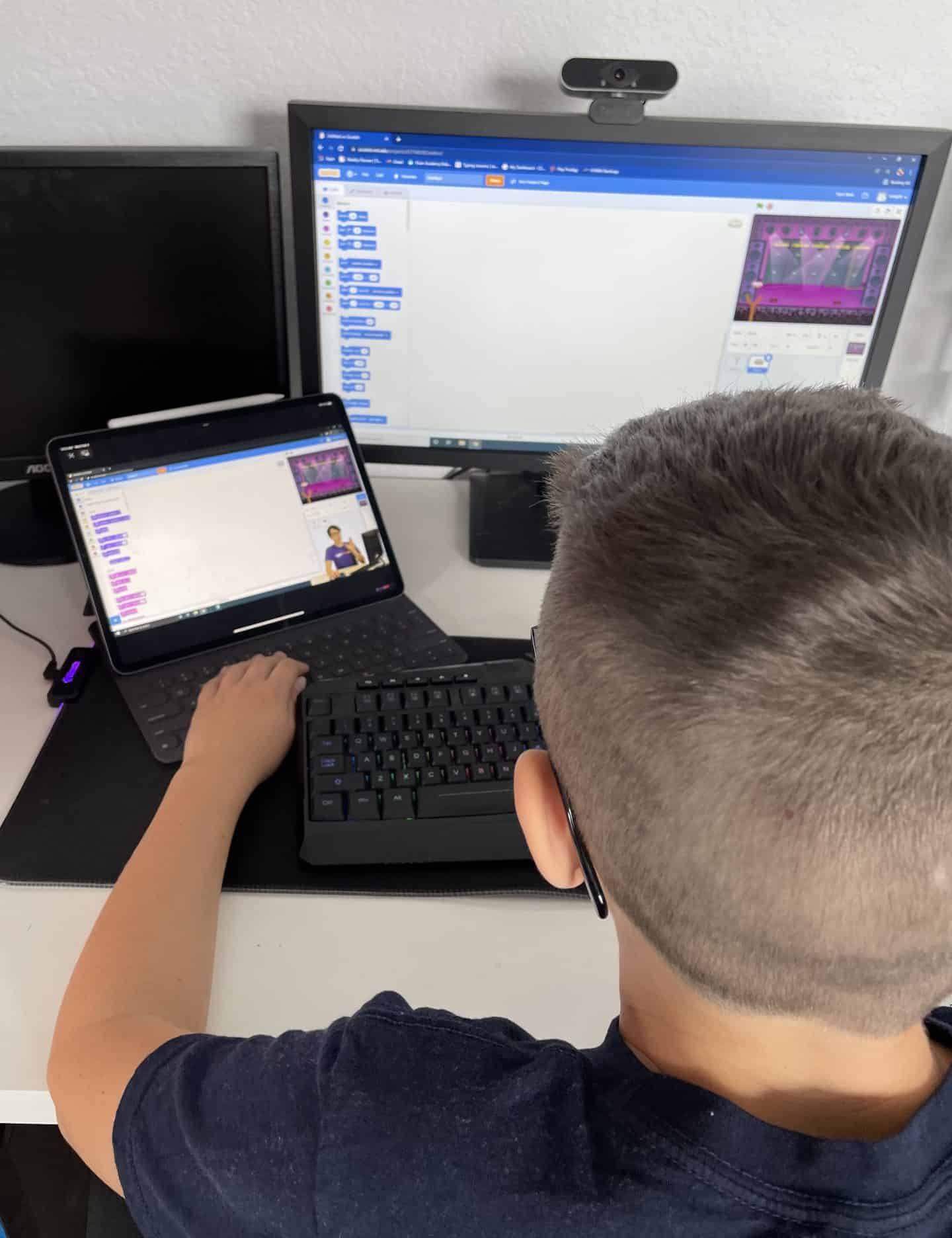
Codecademy
Codecademy isn’t designed specifically for kids, but older or motivated teens can use it.
It’s text-heavy and direct. There’s less hand-holding here, which can be good preparation for more advanced coding.
Coursera
Coursera is more academic and often tied to university content.
For teens who are serious about computer science, this feels more like college prep than casual coding.
Udemy
Udemy is entirely self-guided. You’re buying individual courses rather than enrolling in a program.
It works if your child is independent. It doesn’t work well if they need accountability.
Code Avengers
Code Avengers sits somewhere between structured curriculum and interactive practice.
It’s organized enough to follow a clear path, but still flexible.
Free Coding Websites for Kids
Not every family wants a subscription. Fortunately, some of the strongest beginner platforms are free.
These free coding sites for kids are good starting points if you want to test interest before paying for classes.
Code.org
Code.org is often the easiest place to begin. The Hour of Code activities are short, guided, and low pressure.
It’s structured enough that kids don’t feel lost, but simple enough that parents don’t need a tech background to help.
Once they’re comfortable, the longer courses build gradually into more serious concepts.
Khan Academy
Khan Academy works well for older kids who can sit through video instruction and then apply it.
It’s less game-like and more lesson-based. That’s either a positive or a negative depending on the learner.
The JavaScript and web development sections are especially practical.
Treehouse
Treehouse is more career-oriented than kid-focused. It’s project-driven and leans toward web and app development. This tends to suit teens who already know they’re interested in tech.
It’s not the most playful option, but it’s structured and clear.
More Coding Ideas for Kids
If your child prefers offline options or hands-on projects, these related guides might help.
- Coding books for kids – Story-driven and activity-based books that introduce concepts without a screen.
- Coding gifts for tweens – Practical ideas for birthdays or holidays, especially for kids already showing interest.
- Coding kits for kids – Build-and-test kits that combine physical components with simple programming. Subscription options like Bitsbox send app-building projects monthly.
Last Updated on 25 March 2026 by Clare Brown
