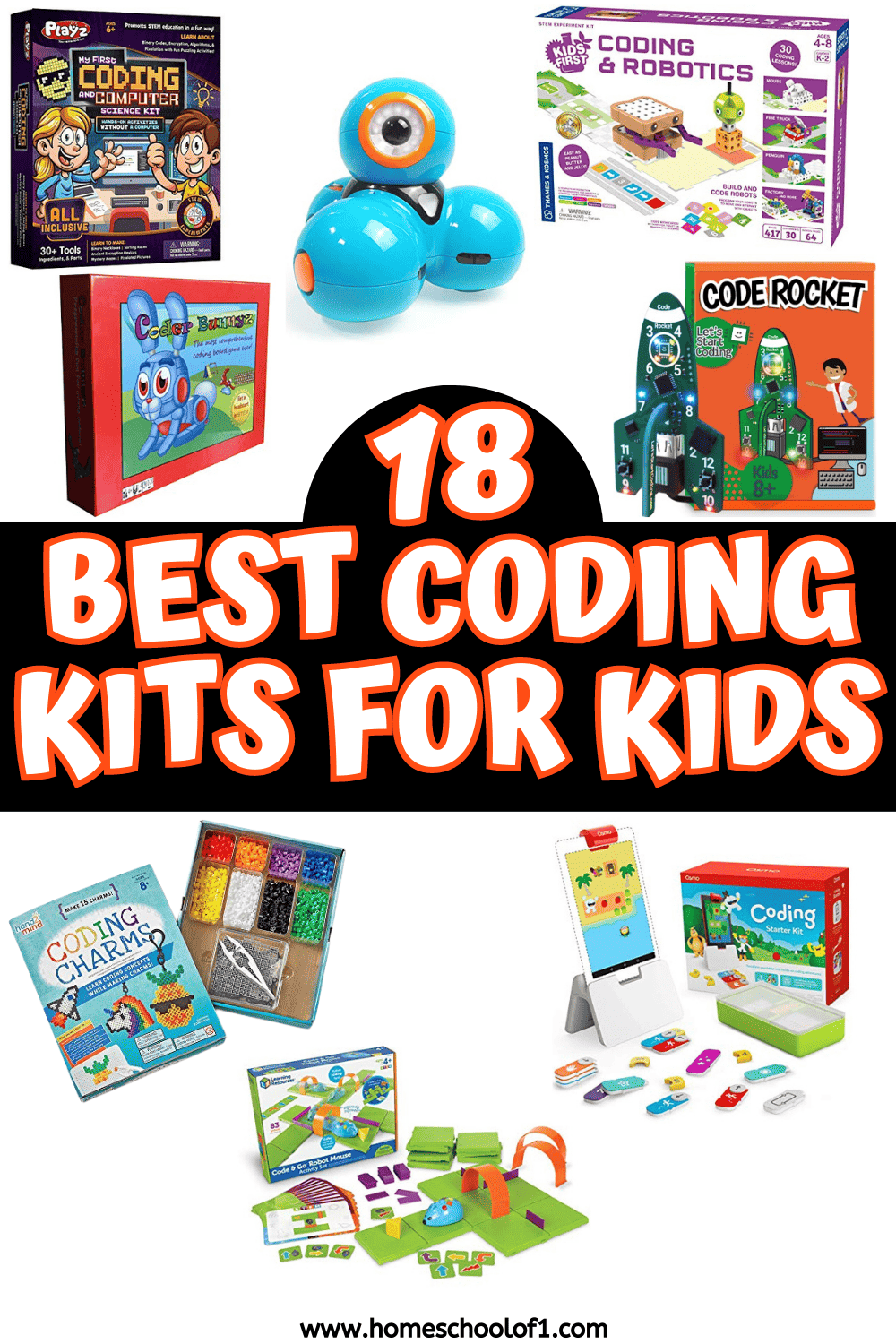
Coding kits for kids work best when they match how your child actually likes to learn. Some want to build robots that move across the floor. Others prefer circuits, puzzles, or hands-on projects that feel more like tinkering than “learning to code.”
Over the years, we’ve tried screen-free robots, electronics kits, and app-based builds, and the biggest difference always came down to ownership.
When kids get to create something that actually works, a drawing robot, a flashing circuit, a programmable car, they stay with it.
Below you’ll find programming kits grouped by age and style, so you can choose something that fits your child’s skill level and attention span, not just what’s trending.
**This post may contain affiliate links. As an Amazon Associate and a participant in other affiliate programs, I earn a commission on qualifying purchases.**
Coding and Programming Kits
These coding kits range from screen-free robots for younger kids to electronics and text-based programming sets for older learners. Some focus on logic and sequencing, others introduce Scratch, Python, or C++ through real projects.
Use the age recommendations as a starting point, but think about how your child prefers to build and experiment.
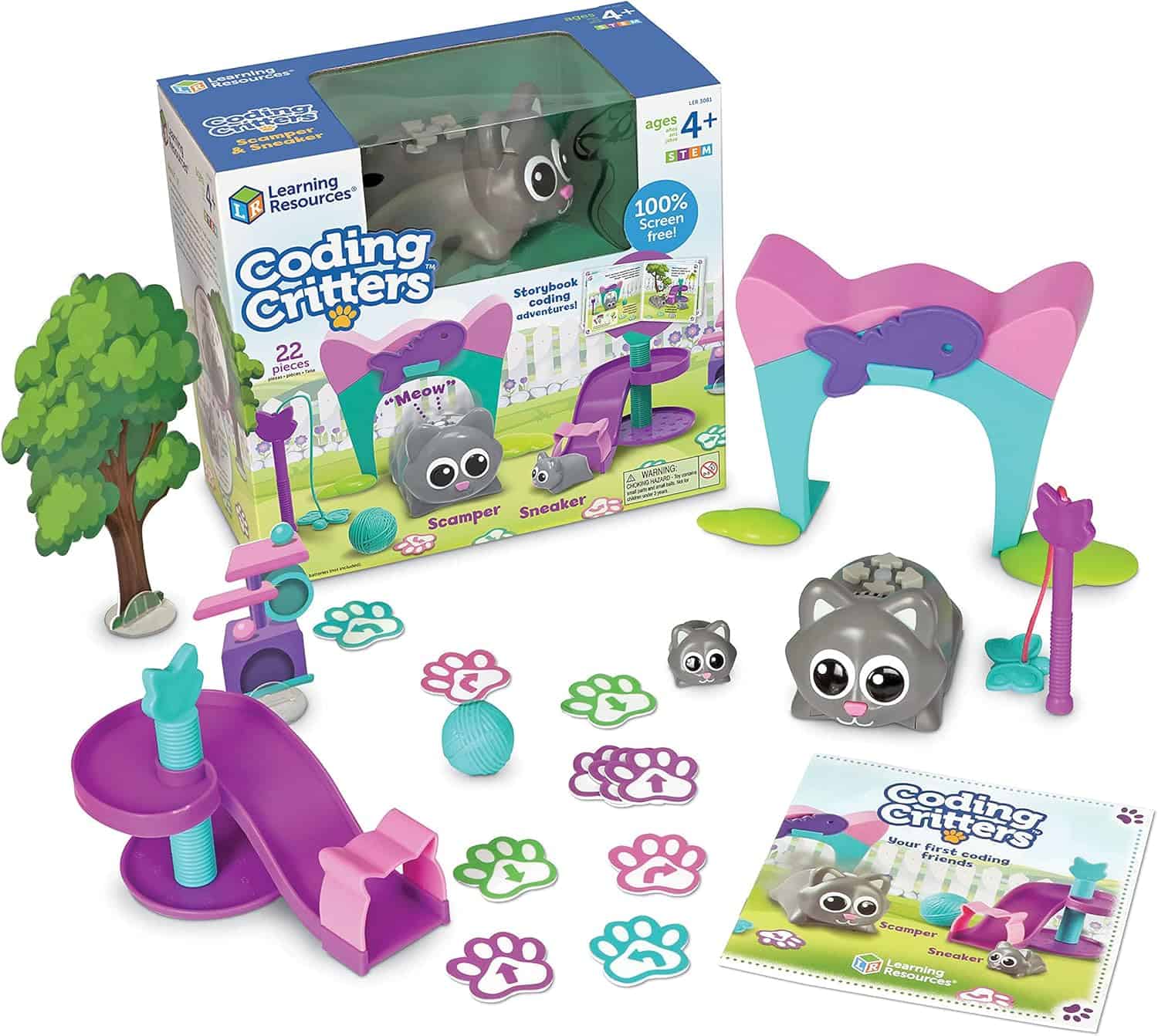
Coding Critters
For toddlers and preschoolers, “coding” really means learning sequencing and cause and effect. Coding Critters introduces those early logic skills through simple story-based challenges that feel more like play than instruction.
Kids use buttons to guide their pet through small adventures, and the immediate response helps even younger toddlers understand how their choices change the outcome. It’s screen-free, low-pressure, and a gentle way to build the thinking skills that later coding relies on.
Read More
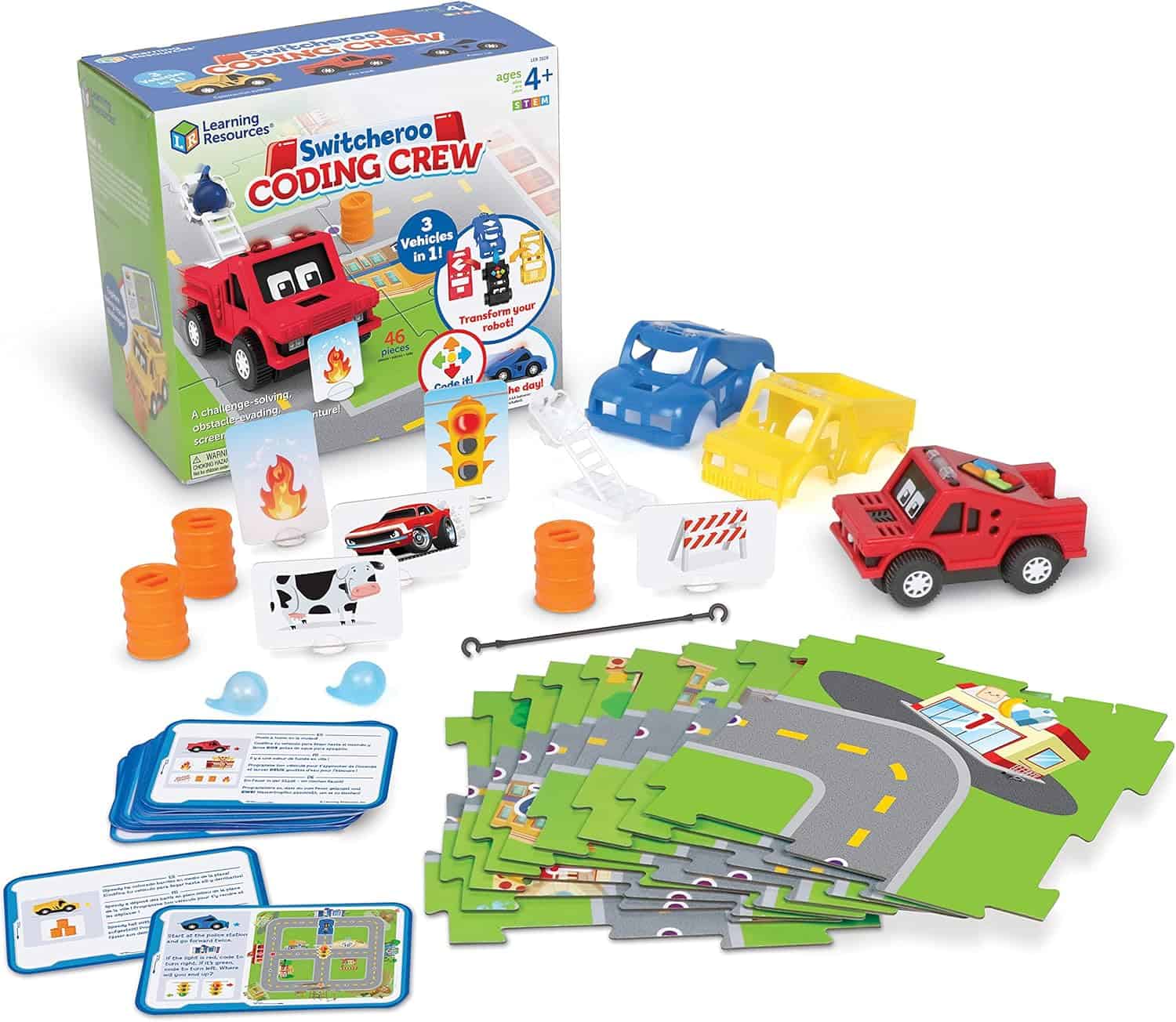
Switcheroo Coding Crew
This set works well for older toddlers and early preschoolers who enjoy hands-on building. Instead of writing code, they experiment with simple switches and components to see what happens when they connect different pieces.
It’s less about programming and more about exploration, which is exactly right for toddlers. They’re learning patterns, problem-solving, and basic engineering concepts without needing a tablet or reading skills. It feels playful, but the logical thinking underneath is real.
Read More
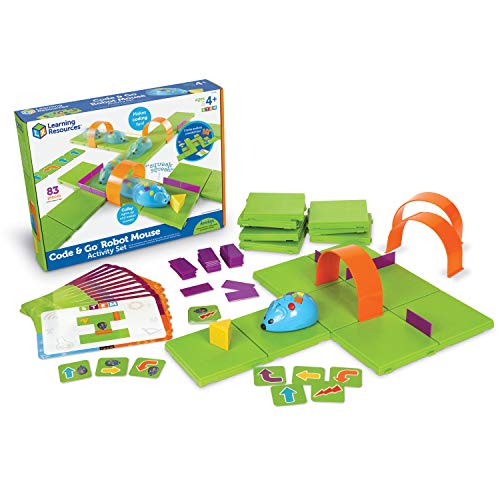
Learning Resources Code & Go Robot Mouse
This is one of the easiest ways to introduce coding without handing over a screen. Kids program the mouse using simple directional buttons, then watch it navigate a maze.It’s straightforward, which is exactly why it works. Younger kids don’t get distracted by graphics or apps, they focus on planning the steps. It feels more like a puzzle than a tech toy, and that’s usually a win at this age.
Read More
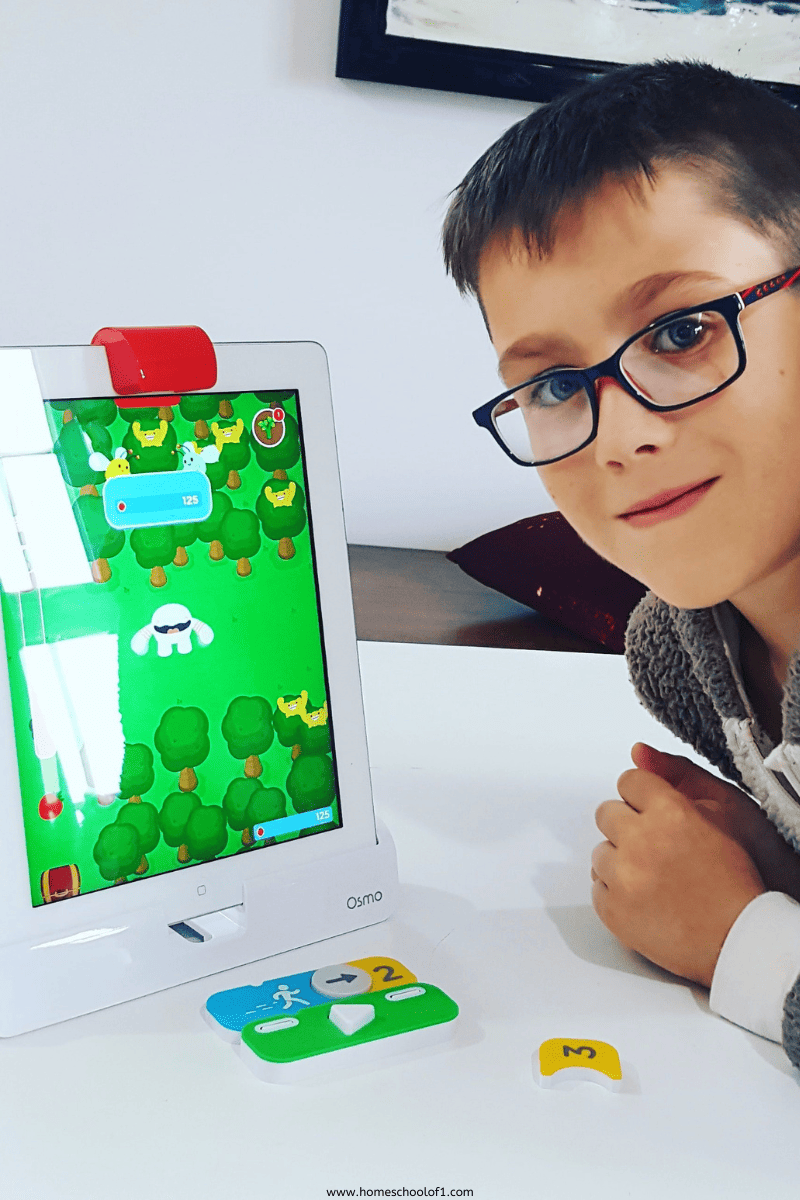
Osmo Coding Starter Kit
This version leans more directly into programming logic. Kids use coding blocks to solve visual puzzles, and it introduces sequencing in a very approachable way.It’s especially helpful for kids who think visually. Watching their instructions play out on screen makes cause and effect click quickly. It’s structured enough to guide them, but open enough that they feel like they’re figuring it out themselves.
Read More
Kids First Coding & Robotics
This one feels closer to a structured curriculum than a toy. The activities build on each other, introducing loops and basic algorithms in a very guided way.It’s especially helpful for kids who like step-by-step instructions and clear outcomes. If your child prefers knowing exactly what they’re building and why, this kit provides that clarity without feeling overly academic.
Read More
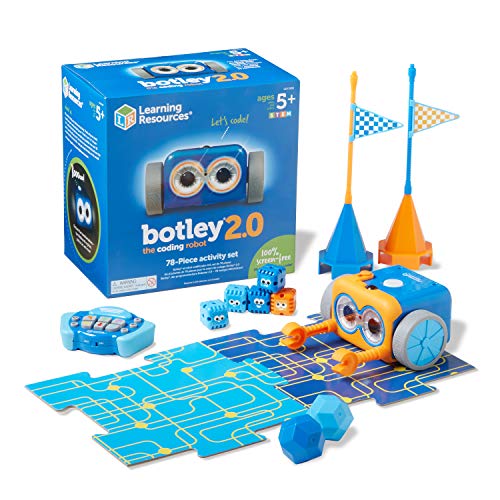
Botley The Coding Robot 2.0
Botley takes the same screen-free idea but adds more personality. There are more pieces, more challenges, and a bit more room to experiment.It’s still beginner-friendly, but it doesn’t feel babyish. For kids who like building obstacle courses or testing “what happens if I change this step,” Botley gives enough flexibility to keep them engaged longer than many starter kits.
Read More
Coder Bunnyz Board Game
If your child isn’t ready to jump straight into robots and screens, this is a surprisingly solid starting point. It’s a board game, but underneath the cute theme it teaches sequencing, loops, and logic in a way that doesn’t feel technical.What I like most is that it scales. Younger kids can play simply to win, while older ones start spotting the actual coding patterns. It works well for family game night because you don’t need a device, and it doesn’t feel like a “lesson.”
Read More
Coding Charms
This is a different angle entirely. Instead of robots or circuits, kids create wearable projects using coding logic. It blends craft and sequencing, which works well for kids who don’t see themselves as “techy.”The appeal here is subtle. They’re focused on making something tangible, a keychain or charm, and the coding becomes part of the process rather than the headline.
Read More
Osmo – Genius Starter Kit
This one works well for kids who already enjoy tablet time but need something more structured. Osmo blends physical pieces with digital interaction, so they’re still moving tiles and solving problems instead of just tapping a screen.It’s less about hardcore coding and more about building confidence with problem-solving. If your child likes variety, math one minute, creative challenges the next, this kit keeps things interesting without overwhelming them.
Read More
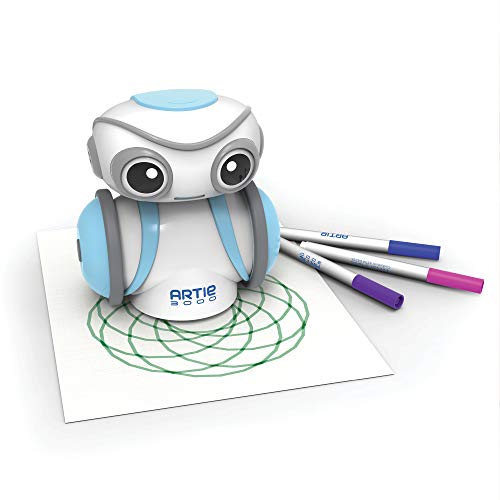
Educational Insights Artie 3000 the Coding & Drawing Robot
Artie is a good fit for kids who love art as much as tech. Instead of building a robot that drives around, they write code that makes it draw. That creative angle makes coding feel less intimidating.It’s not overly complicated, but it gives a real sense of control. When kids see their lines of code turn into patterns on paper, it feels concrete, not abstract.
Read More
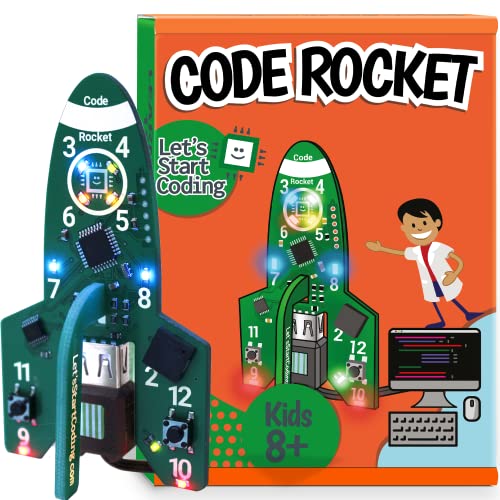
Code Rocket
This one steps things up. It introduces actual circuits and coding in a way that feels more “real” than many beginner kits. There’s a shift here from toy to tool, which older kids tend to appreciate.If your child likes seeing lights flash or hearing something they programmed respond back, this kit gives that feedback loop. It’s more hands-on electronics than game-style coding, which makes it stick.If they enjoy the hands-on side, pairing it with a few coding sites for kids helps reinforce the concepts beyond the kit.
Read More
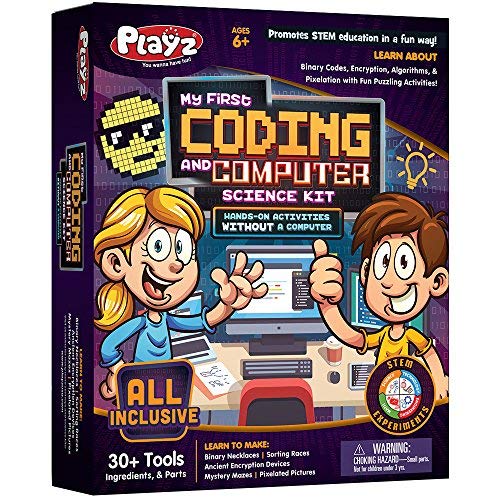
My First Coding & Computer Science Kit
This one strips coding back to fundamentals. There’s no app, no flashing robot, just hands-on activities that explain ideas like binary and encryption in simple terms.It works well for kids who like understanding how things work under the surface. Instead of just dragging blocks on a screen, they’re learning the building blocks of computer science in a way that feels approachable.
Read More
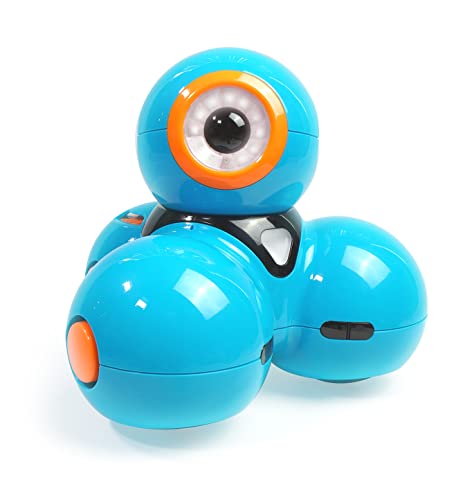
Wonder Workshop Dash
Dash is one of the more polished coding robots out there. It responds, moves, makes sounds, and that immediate feedback is what hooks most kids.It does require a device, but the apps are intuitive and grow with your child. For kids who enjoy experimenting and tweaking their code to see different outcomes, Dash has enough depth to last beyond the novelty phase.
Read More
Robobloq Q-Scout STEM Projects
This one edges into more advanced territory. It supports Scratch-style coding but also opens the door to Arduino and Python, which gives it a longer lifespan.It’s better suited to kids who already know they enjoy building and programming. There’s more setup involved, but that challenge is often part of the appeal.
Read More
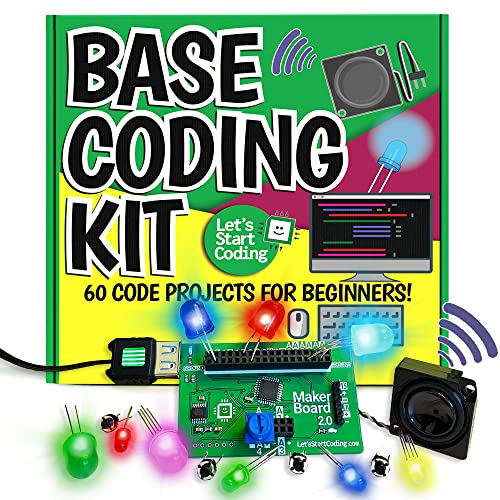
Base Kit Computer Coding
This kit feels more like stepping into real electronics. Kids wire components, test circuits, and write code that controls physical outputs.It’s a good middle ground between playful robotics and serious programming. For kids who are ready to move beyond beginner kits but aren’t quite ready for fully independent projects, it offers structure without being limiting.
Read More
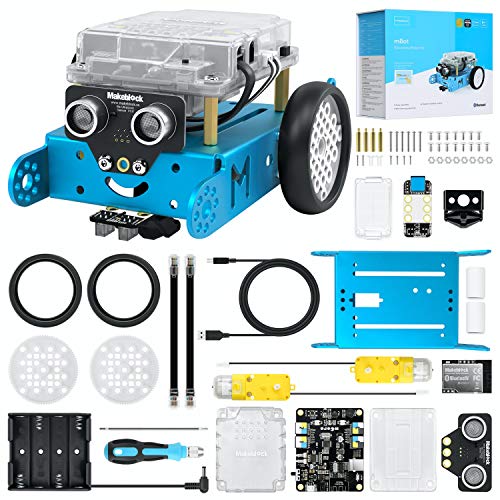
Makeblock mBot Robot Kit
mBot sits in that sweet spot between beginner and genuinely technical. Kids build the robot, then program it using Scratch-style blocks or move into Arduino-based coding as they gain confidence.It’s more involved than many starter kits, which is exactly why it holds attention longer. For kids who like seeing a physical result from their code, a robot navigating obstacles or responding to sensors, this one feels substantial rather than gimmicky.It’s one of the more practical coding gifts for 10-14 year olds who are ready for something that feels a little more serious than beginner kits.
Read More
LINGO STEM Coding Kit
This one leans into real-world electronics. It’s more detailed and better suited to teens who want something that feels practical rather than playful.Building something like a functioning sensor gives coding context. It moves beyond drag-and-drop blocks and starts showing how programming connects to actual devices, which is often the point where interest either deepens or fades.
Read More
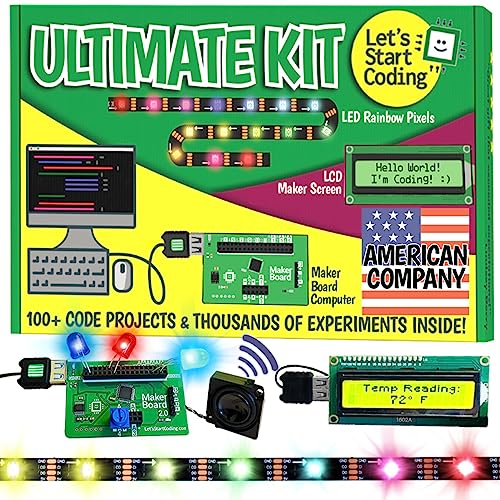
Ultimate Coding Kit
This one is broad rather than specialized. Instead of focusing on a single robot or project, it walks kids through a range of coding and electronics builds.That variety can be a strength if your child isn’t sure what they enjoy yet. Some projects will land more than others, but the exposure helps them figure out whether they’re more interested in circuits, robotics, or programming itself.
Read More
Last Updated on 13 February 2026 by Clare Brown