Typesy Review | A Homeschool Typing Curriculum We Use

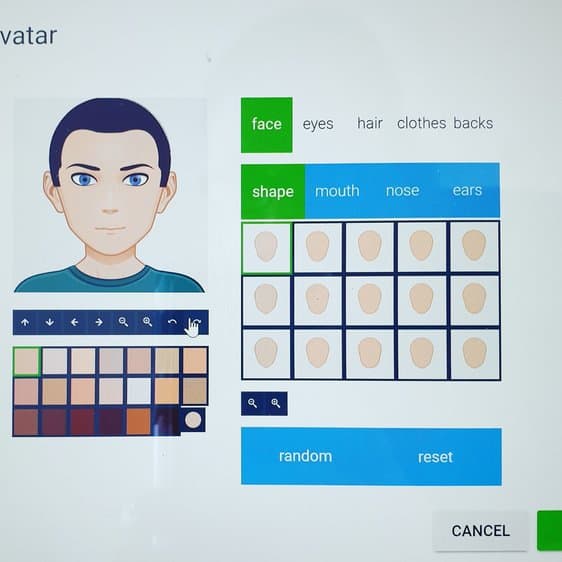
Teaching touch typing at home can feel harder than it should be, especially when so many free programs are packed with ads. In this Typesy review, I’m sharing our honest experience using it as our main homeschool typing curriculum.
When I started looking for an online typing program for my son, I wanted something affordable, structured, and, most importantly, engaging enough that he wouldn’t resist it. We’ve now been using Typesy as part of our homeschool routine, and it’s made a noticeable difference in both speed and confidence.
Typing is one of those skills that quietly saves time across every subject, so finding a program that actually sticks matters. For context, I learned to touch type through trial and error during my years as a Finance Director, and I was keen for my son to have a much smoother start.
**Disclosure: I was compensated for my time to write this post. As always, all thoughts and opinions are my own. I only share resources that I would use with my own family and those that I believe other homeschool families will enjoy. There may be affiliate links in this post.**
Homeschool Typing with Typesy
What I love about incorporating typing into our homeschool day is by the time my son goes to college, he will already have the ability to touch type.
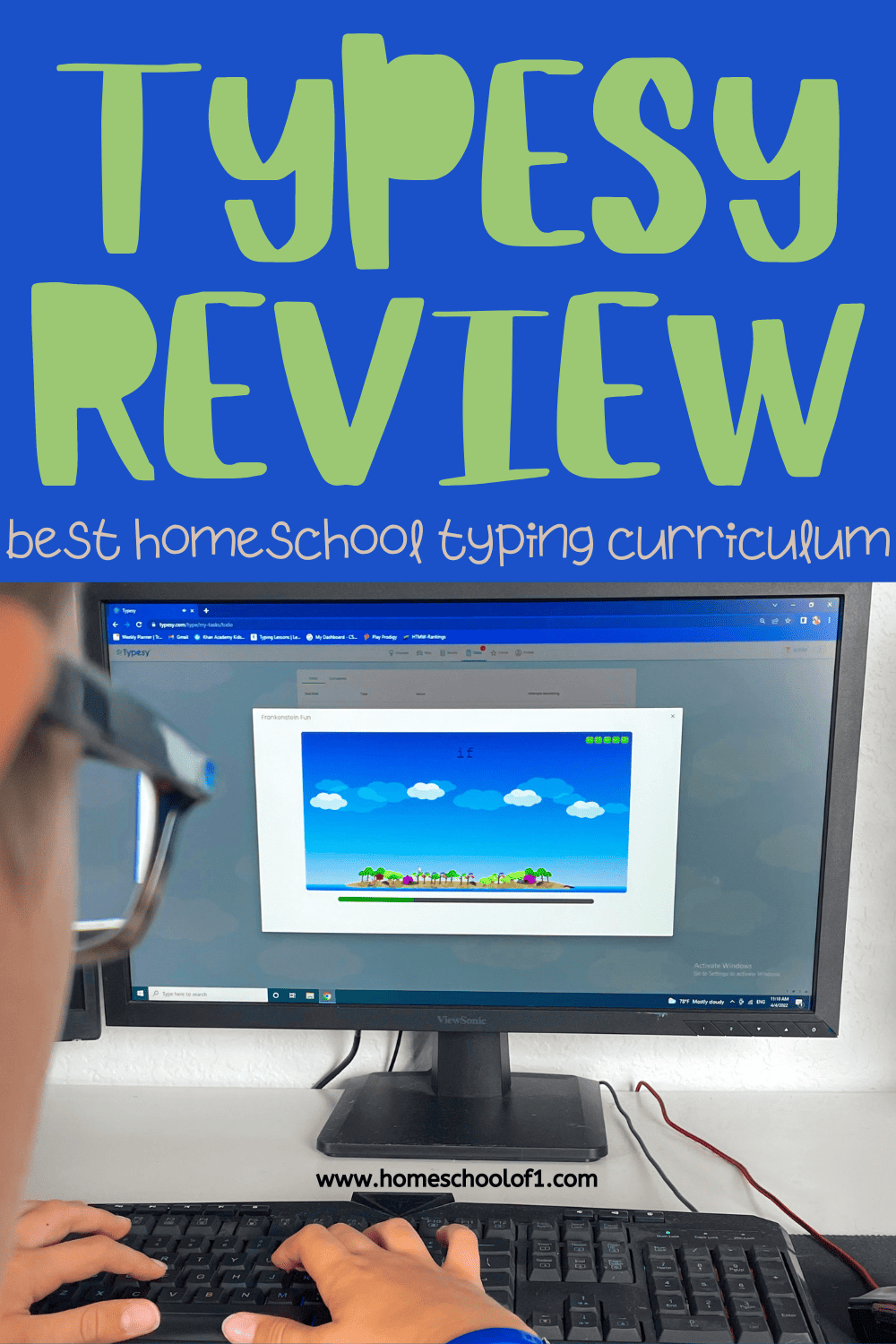
The first time you access Typesy you have the ability to change your avatar. Of course, this impressed my son. This definitely made it feel very personalized for him, and it was definitely a hit.
What I love about Typesy is that there are hundreds and hundreds of different lessons to take. The different lesson plans consist of:
- Beginners Lessons
- Build Accuracy
- Build Speed
- Power Speed & Accuracy
- Mega Speed & Accuracy
- Fast Dictation Typing
- Master the Keyboard
- Quick Revision
- Bonus Lessons
Within each typing section, there are at least 4 different lessons, each taking approximately 6 minutes.

To start with of course my son jumped straight into the beginner’s class. It is very repetitive. But, at the bottom of each screen, it shows you the correct finger placement.
Learning how to touch type must be repetitive so this was something we expected.
The first time Freddie tried it, he had such a smile on his face. “Look mommy I am doing it!”

How Typesy Works in Our Homeschool
With more than 4,000 lessons available, Typesy offers far more than basic keyboard drills. What stood out to me early on was how structured the program feels compared to many free typing sites.
Common Core alignment
For grades 2–10, the platform includes extensive Common Core aligned typing lessons. In sixth grade alone, there are roughly 44 hours of structured practice available.
That sounds like a lot, but in practice it’s very manageable. We typically set aside about 15 minutes a day for formal typing work. The lessons are short enough to stay focused, and the progress tracking makes it easy to see improvement over time.
What surprised me most is that when my son has extra free time during the school day, he often chooses to go back and practice or play the games on his own, which honestly says a lot.
Built-in spelling support
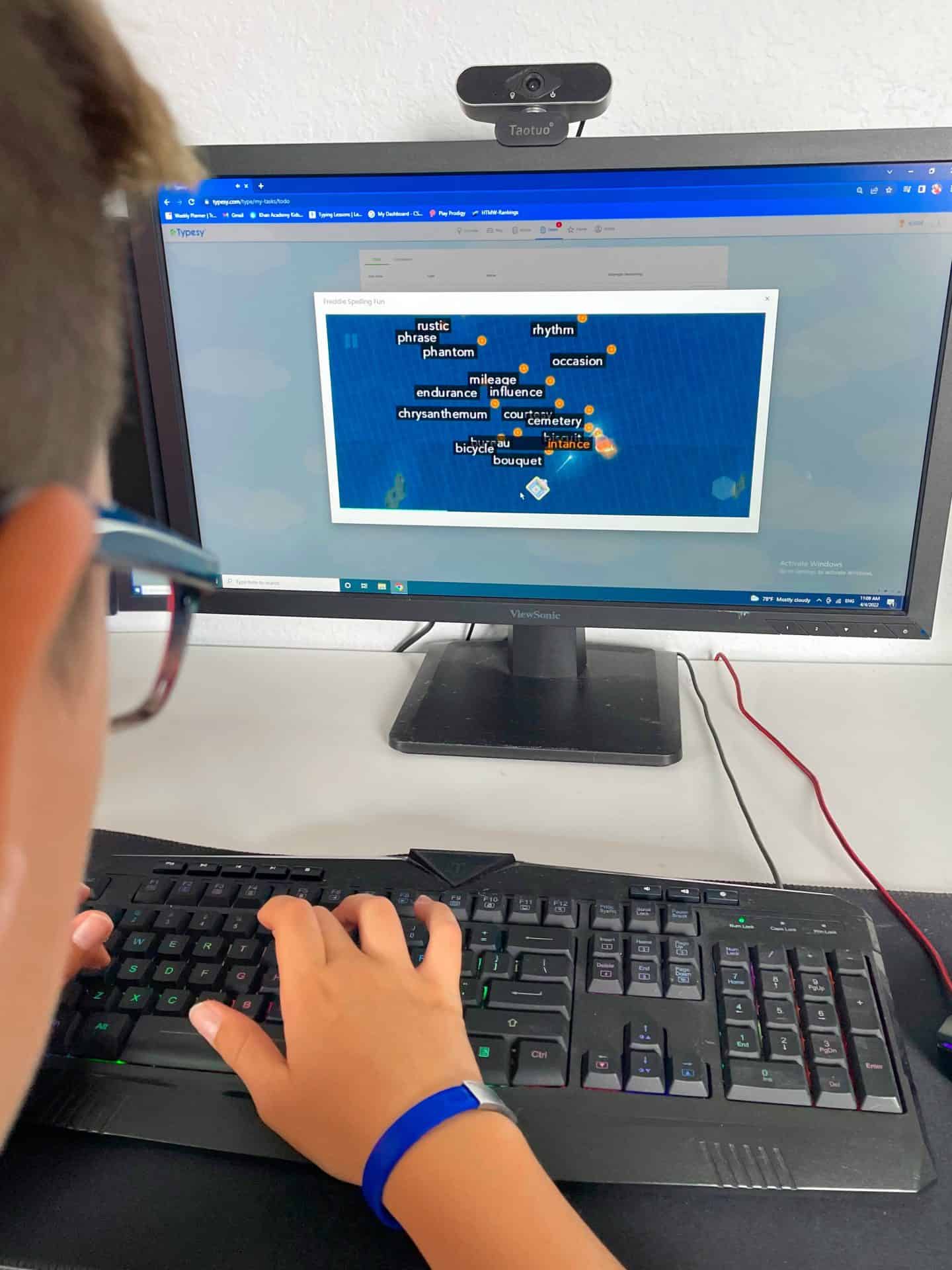
One feature I didn’t expect to use as much as we have is the custom spelling option. Since we’re always looking for a strong homeschool spelling curriculum, this extra practice inside Typesy has been a helpful bonus.
From the parent dashboard, you can create your own word lists and generate spelling activities directly inside the program. It even pulls in definitions and word origins automatically.
You can then assign either keyboarding practice or game-based reinforcement using those words, which makes it a nice cross-curricular bonus.
Typing games that actually motivate kids
When I first mentioned a typing program, my son’s immediate question was: “Are there games?”
Thankfully, Typesy delivers here. The games aren’t just random add-ons, students unlock many of them by progressing through lessons, which adds real motivation.
A few of the ones he’s enjoyed most include:
- Z Type Plus
- Clumsy Blocky
- Letter Train
- Key Memory
- Speed Builder
Because access is tiered, kids have an incentive to keep improving rather than jumping straight to the fun extras.
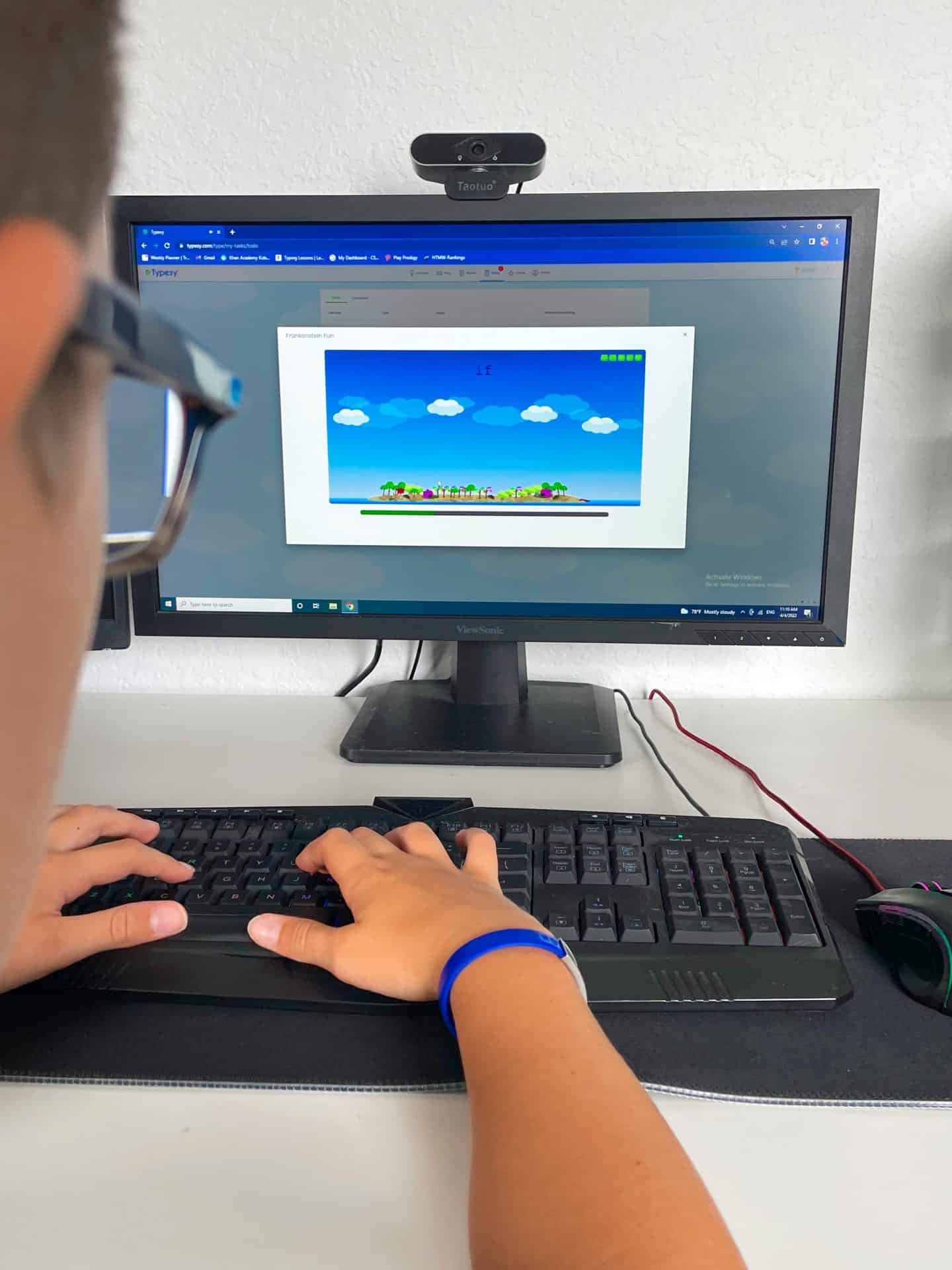
The typing games were also broken down into sections depending on what you wanted to learn. Be it accuracy, speed, keyboard skills, or keyboard fun.

This pac man game is one of his favorites. I have to say it is also one of my favorite typing games!

Typing Improvements with Typesy
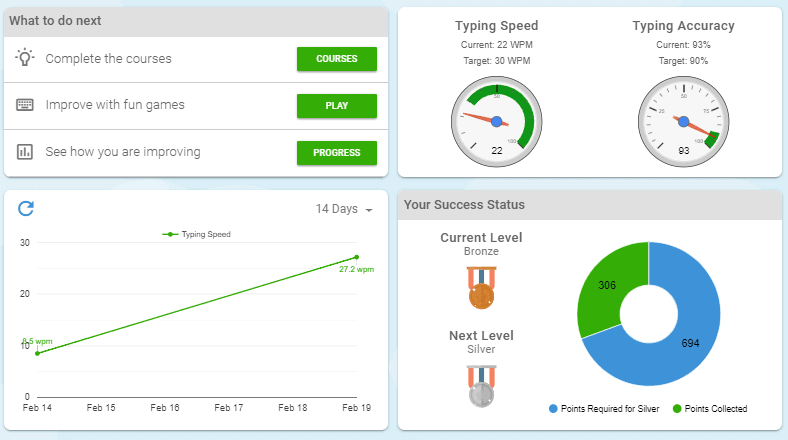
On the home screen, you can see the progress made.
Typing speed and typing accuracy, plus improvements made.
It is great, I have tried some of the lessons, and although I thought I was good at touch typing. I realized I rely a lot on auto-correct!
Typesy Homeschool Compared to Other Touch Typing Programs
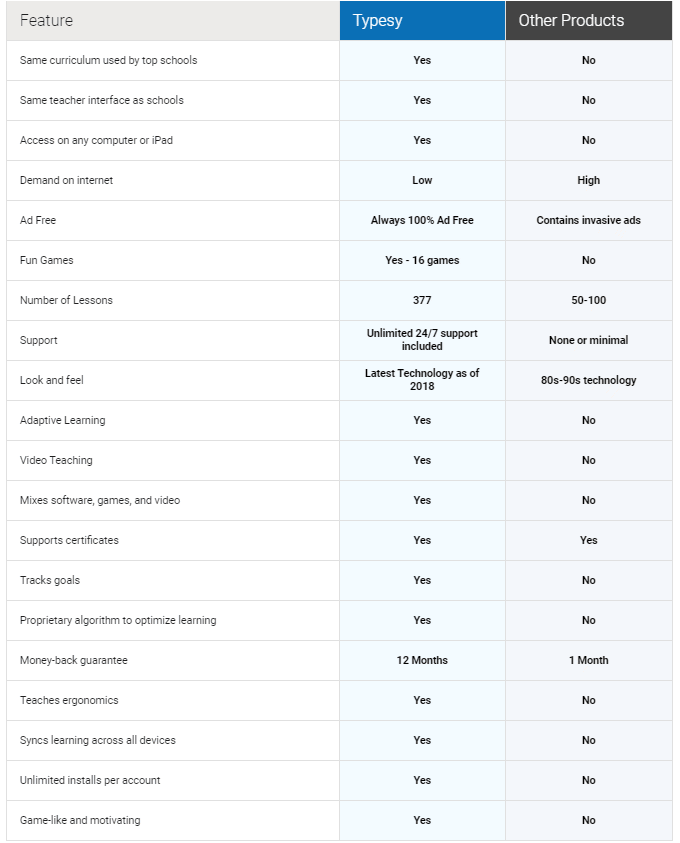
We have tried lots of typing programs, and Typesy really is great in comparison. As you can see below, there are 377 different lessons and fun typing games.
What I especially love is that there are no ads, and it is adaptive learning.
Who Typesy is Best For
Typesy is a great fit for kids in grades 2–10 who are ready to learn proper typing skills but still need something that feels a bit fun.
It worked particularly well for my son because the short lessons and unlockable games kept him from getting bored.
I’d especially recommend it for reluctant typists or kids who enjoy working toward goals. It may not be the best choice if you’re just looking for a free program or a very quick introduction to keyboarding.
How Much Does Typesy Cost?
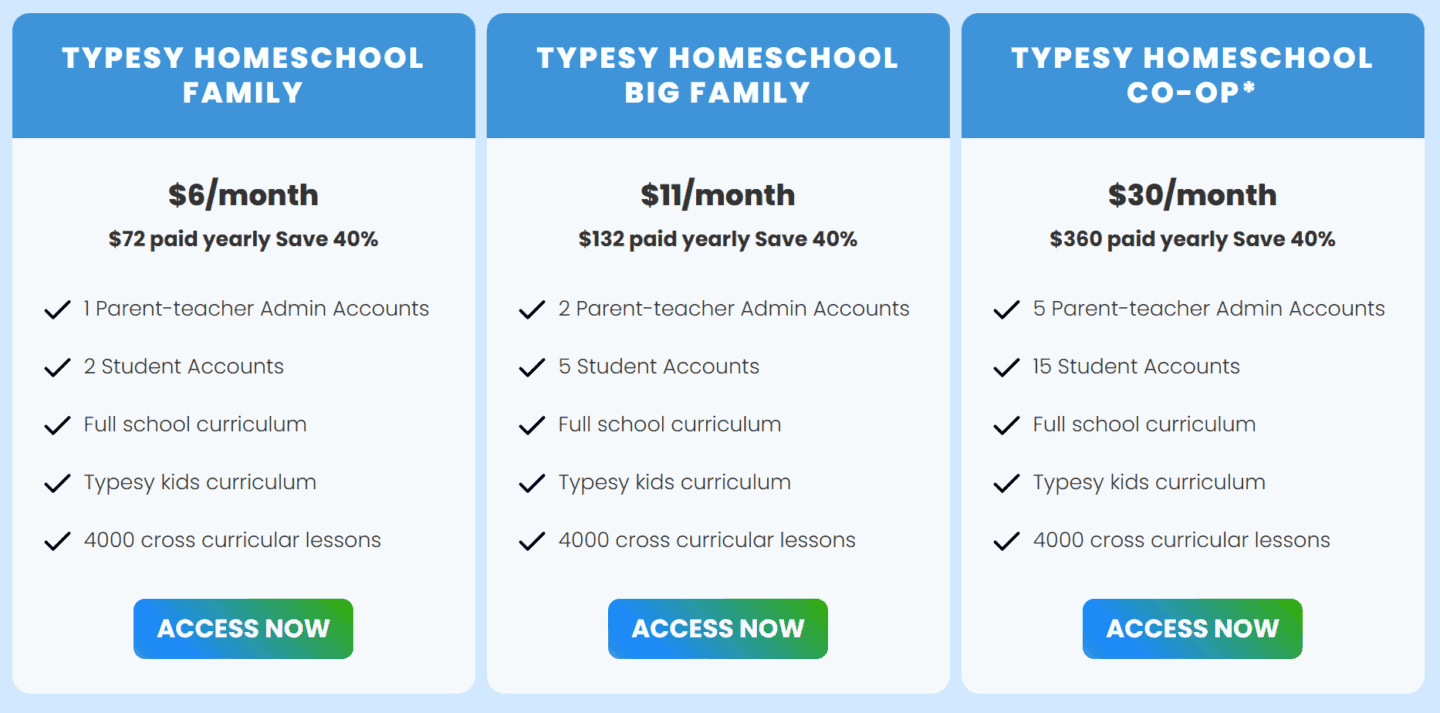
This is another great benefit – this only costs $72 per year! This includes 2 student accounts and a parent-teacher account.
Typesy Guarantee
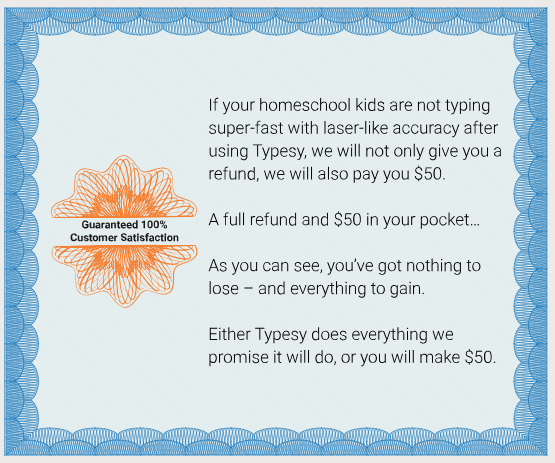
Typesy is so convinced that your children will develop amazing typing skills. They even offer a full money-back guarantee within the first year. Not only are they so confident that they will give you $50 for your troubles!
If you are looking for even more online homeschool curriculum reviews check out all the others we have reviewed over the years.
If you are looking for a FREE typing class check out our review of Kidztype.
Last Updated on 20 February 2026 by Clare Brown
