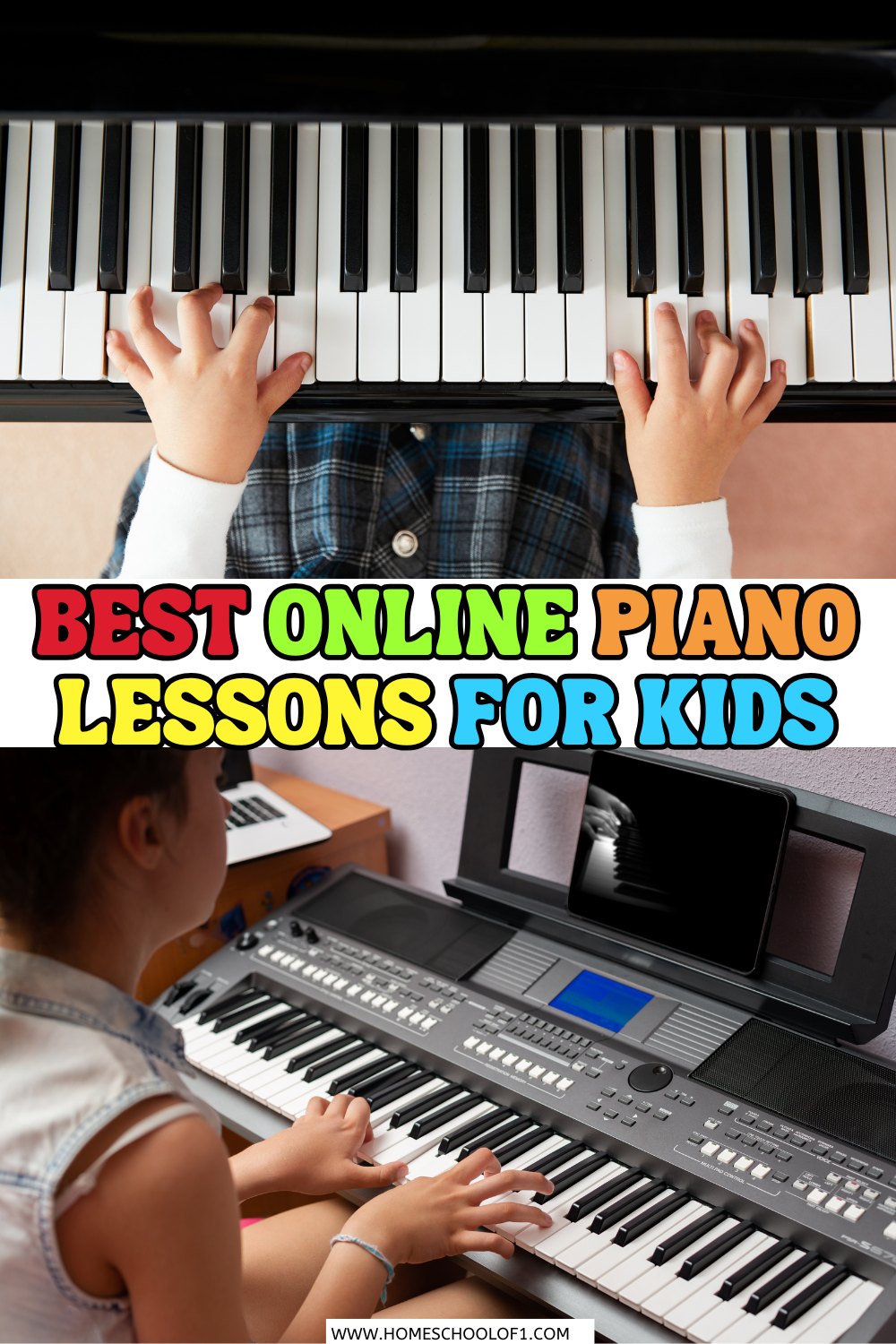
Online Piano Lessons for Kids



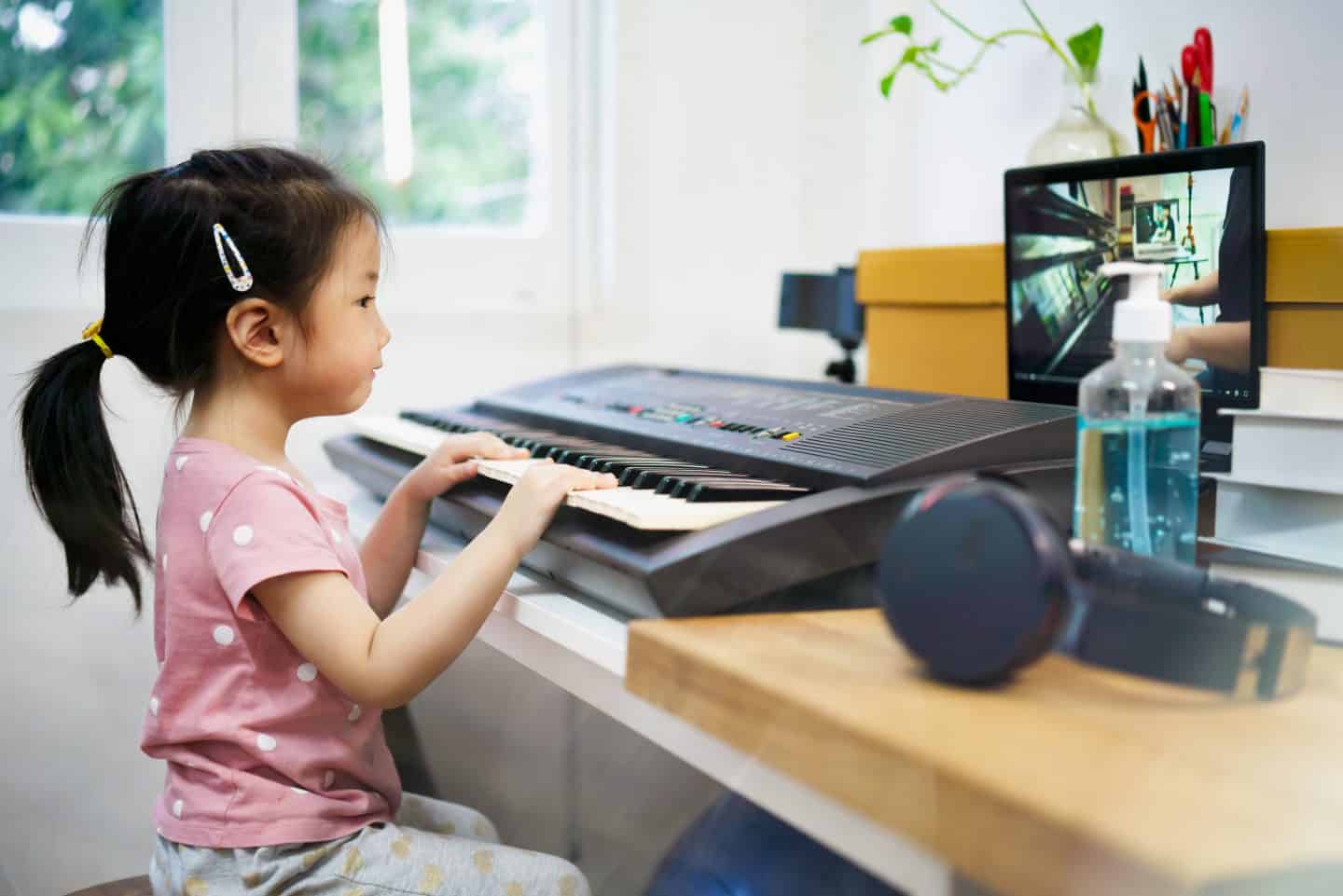
Online piano lessons for kids have been a big part of our home for several years. We’ve tested over a dozen platforms with my son, and while some were only used for a few weeks, others have become part of his regular practice.
This guide shares the ones we’ve actually used, what each one does well, and which children I think they’re best suited for.
**This post may contain affiliate links. As an Amazon Associate and a participant in other affiliate programs, I earn a commission on qualifying purchases.**
Our Top Picks
If you don’t want to read every review, these are the piano lessons online I’d recommend first.
| If you’re looking for… | My recommendation | Why? |
|---|---|---|
| Best overall | Hoffman Academy | Well-structured lessons with a generous free plan that kept my son engaged. |
| Best free option | Hoffman Academy | Most of the core lessons are available at no cost, making it ideal for beginners. |
| Best piano app | Simply Piano | Fun, interactive, and provides instant feedback while your child plays. |
| Best live lessons | Outschool | Flexible one-to-one and group classes with a wide choice of teachers. |
| Best for older kids | Piano Marvel | More structured lessons with excellent progress tracking and sight-reading practice. |
How to Choose the Best Online Piano Lessons
The best online piano classes depend on your child’s age, experience, and learning style. Before choosing a program, it’s worth thinking about a few things:
- Younger children often do best with short, interactive lessons, while older kids may prefer a more structured course.
- Some children enjoy game-based apps, while others learn better with videos or live teachers.
- Complete beginners need step-by-step lessons, whereas children who already play may want more songs and advanced techniques.
- Several excellent programs offer free lessons, while others require a monthly subscription or individual class fees.
- Most programs work with any keyboard or piano, but some interactive apps require a compatible digital keyboard for real-time feedback.
We’ve included a mix of free and paid options below to suit different ages, budgets, and learning styles.
Hoffman Academy
If I could only recommend one program for beginners, this would be it. Hoffman Academy was the first online piano lesson that truly worked for us. The videos are short, friendly, and easy to follow, which helped my son stay focused and actually enjoy learning.
What sets it apart is how it mixes songs with music theory, rhythm, and technique, without feeling dry. We started with the free tier, but the premium plan added practice tools, sheet music, and games that really supported independent learning.
Best for: Ages 5–12, visual learners, families who want structure without pressure
What we liked: Well-paced lessons, strong focus on fundamentals, free access to core content
What to know: Some younger kids may need light parental guidance at first
Simply Piano by JoyTunes
Simply Piano was a hit when my son wanted something more like a game than a traditional lesson. It listens as your child plays and gives real-time feedback, which kept him engaged and motivated to level up.
The app works best with a keyboard connected to a tablet or phone. It’s fast-paced, colorful, and ideal for kids who enjoy earning badges or unlocking new songs, but it can move quickly, so younger beginners might need some support at first.
Best for: Ages 7–12, kids who love apps and games
What we liked: Real-time feedback, strong visuals, fun progression system
What to know: Needs a compatible keyboard; not as focused on theory
Piano Marvel
Piano Marvel worked well when my son wanted more structure and measurable goals. The program gives instant feedback as kids play, which helped him spot and fix mistakes without needing me to step in.
It feels more formal than some others, so it’s better suited to kids who are motivated by levels, scores, and consistent progress. The sight-reading tests and built-in practice tools were especially helpful as he got more confident.
Best for: Goal-oriented learners, ages 8+, kids who thrive on routine
What we liked: Real-time feedback, progress tracking, strong focus on reading music
What to know: Interface is more serious, so may not be ideal for younger kids
Flowkey
Flowkey worked well as a supplement once my son had the basics down. It’s designed for students who want to focus on songs they already love, pop, classical, film scores, and more.
The interface is clean, and the video + sheet music combo makes it easy to follow. It’s not a full course, but it’s great for keeping kids interested between structured lessons or when they want to try something new.
Best for: Ages 8+, kids with some piano experience
What we liked: Huge song library, easy to navigate, great for self-led practice
What to know: Less instruction on fundamentals; better as a second resource
Outschool
Outschool was a good option when we wanted more personal connection. We tried both group and one-on-one classes, and while not every teacher was a perfect fit, the variety of styles and flexible scheduling made it worth exploring.
The live format helped my son stay accountable and gave him a chance to ask questions in real time. Many classes also covered theory alongside playing, which added extra value.
Best for: Kids who learn best with a teacher, ages 6+, families wanting live instruction
What we liked: Wide range of teachers, flexible class times, live feedback
What to know: Quality varies by instructor; takes more planning than self-paced apps
Making Music Fun
We used Making Music Fun as a supplement during quiet time or between formal lessons. It offers printable sheet music, music theory worksheets, and simple games, great for reinforcing basics without screens.
It’s especially helpful for younger kids who are just starting to explore music. While it’s not a full lesson program, the free resources made it easy to keep things light and fun.
Best for: Ages 5–10, early learners, families looking for free extras
What we liked: Printable activities, accessible for beginners, zero cost
What to know: Not a structured course; best as support, not a standalone
Merriam Music
Merriam Music felt more like a traditional piano studio brought online. The trial lesson helped us get a feel for their teaching style, which focuses heavily on technique, creativity, and long-term development.
It’s a better fit for kids who do well with consistent structure and a classical approach. While it wasn’t the right match for us long-term, I appreciated the depth of instruction and teacher support.
Best for: Ages 8+, students who thrive with routine and formal instruction
What we liked: Trial lesson option, strong emphasis on technique and musicianship
What to know: More traditional tone; not ideal for casual learners
Playground Sessions
Playground sessions takes a “learn by playing” approach that clicked with my son once he had some basics down. The program uses popular songs and real-time feedback to build skills while keeping things fun.
Co-created by Quincy Jones, it focuses less on drills and more on developing musicality through songs your child will recognize. My son liked watching his accuracy scores improve as he practiced.
Best for: Ages 8+, music-motivated learners, kids who love pop and film music
What we liked: Strong song library, live feedback, motivating scoring system
What to know: Less focus on theory; works best with a compatible keyboard
Piano For All
Piano For All felt more like a self-paced coursebook with video lessons. It covers a wide range of styles, classical, jazz, blues, and is designed to build both playing and improvisation skills.
We used it when my son was a bit older and ready to move beyond beginner material. It’s less playful than other programs but great for independent learners who want depth and variety.
Best for: Ages 10+, teens, kids ready for more advanced material
What we liked: Broad music style coverage, good value, encourages creativity
What to know: Heavier on reading and self-guided work; less engaging for younger kids
Musiah
Musiah uses an AI-powered virtual teacher that gives detailed feedback as your child plays. It felt surprisingly interactive, with the program correcting mistakes and encouraging progress in real time.
It was a bit intense at first, so it’s better for kids who enjoy structure and aren’t easily frustrated. For the right learner, it offers a very complete and focused way to build strong technique and reading skills.
Best for: Ages 9+, kids who respond well to structure and feedback
What we liked: Real-time corrections, clear progression, full curriculum
What to know: Fast pace and detailed feedback may overwhelm beginners
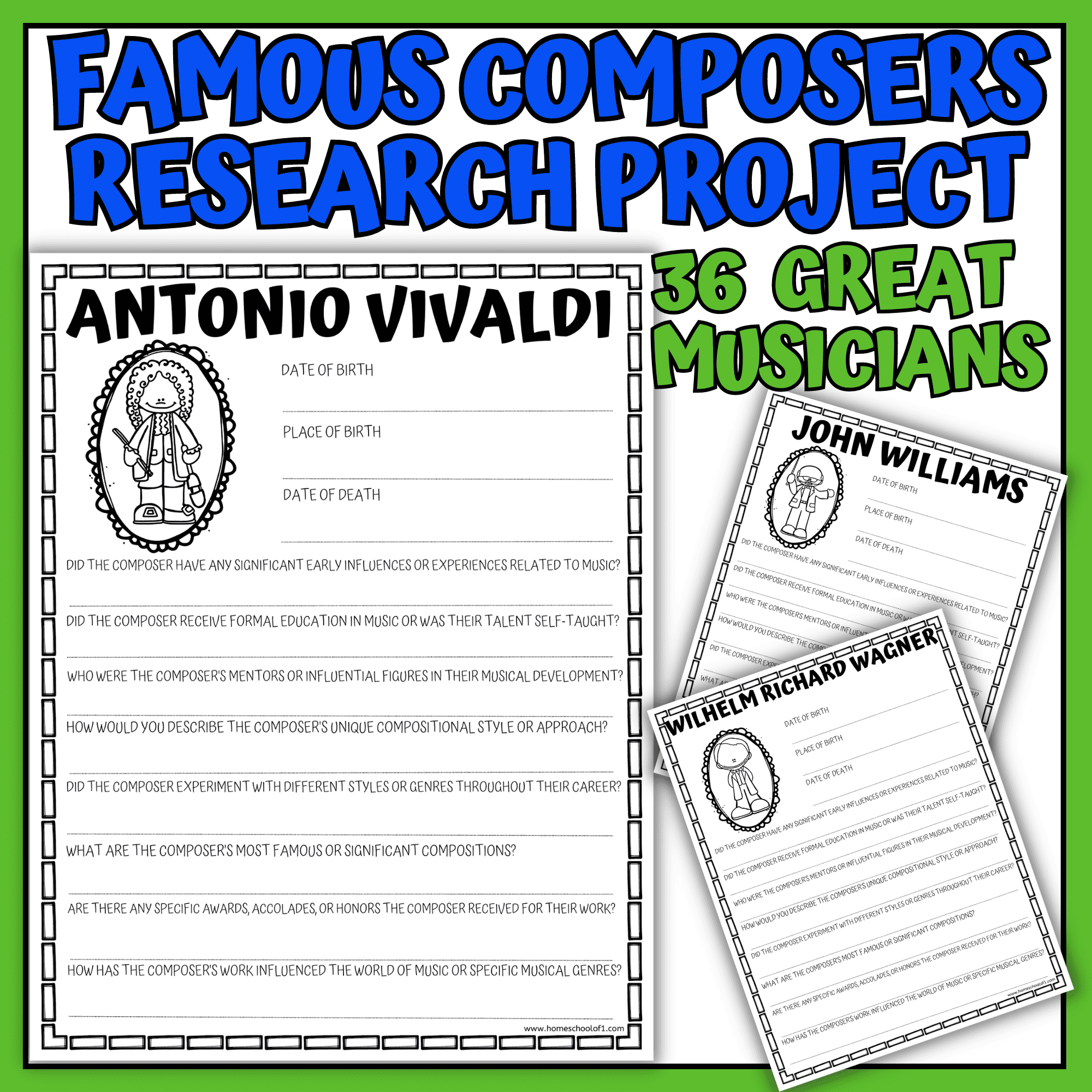
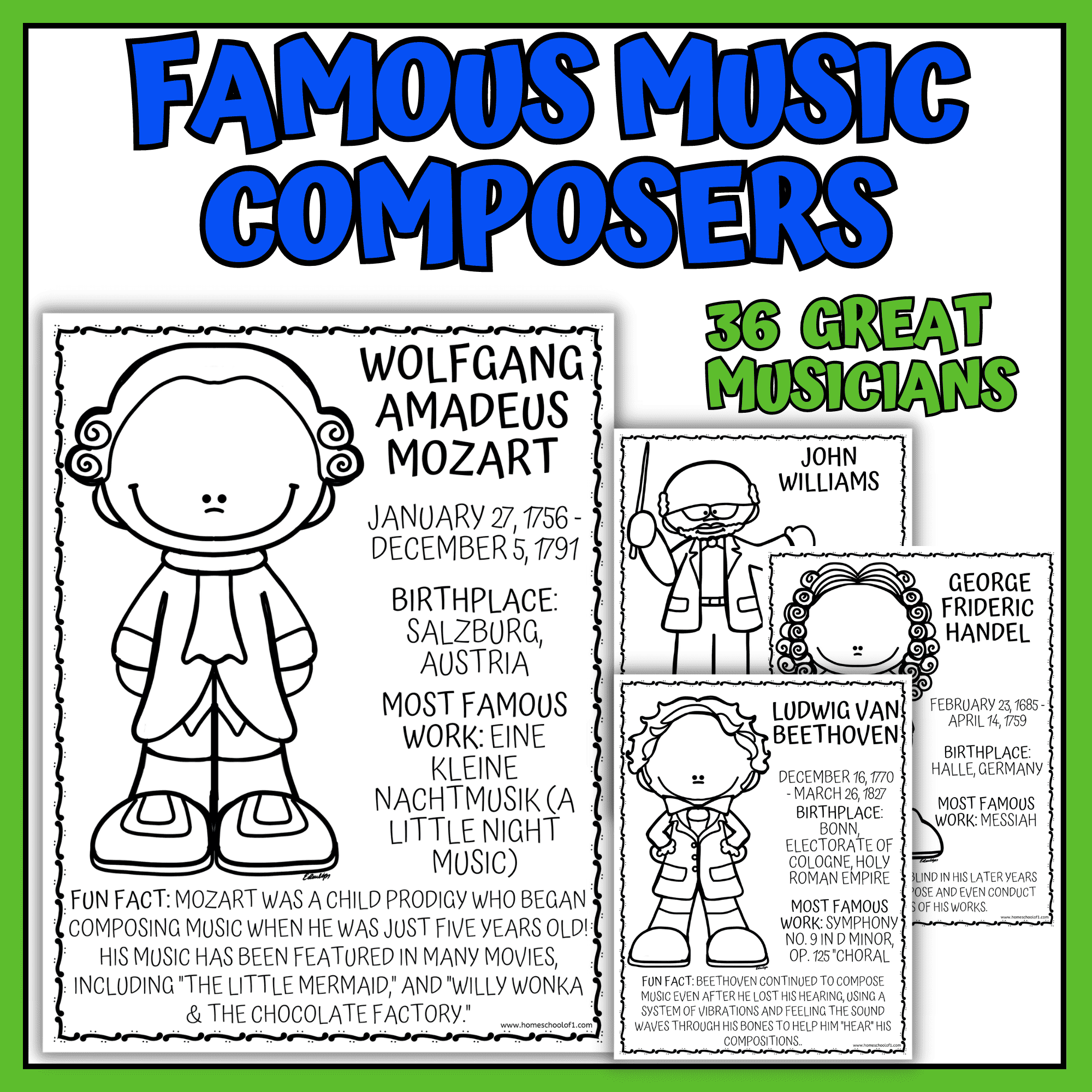
Famous composers research projectFamous music composers coloring pages
Piano Nanny
Piano Nanny was a solid starting point when we wanted a completely free, no-frills option. The site is older, but the lessons are clear, well-sequenced, and surprisingly effective for beginners.
It’s all text and audio-based, so it’s not as visually engaging, but for kids who are just starting out, or for families wanting to test the waters, it’s a useful introduction.
Best for: Beginners on a budget, ages 10+, families wanting a simple start
What we liked: 100% free, solid instruction, easy to follow
What to know: Outdated design, may not hold younger kids’ attention
Zebra Keys
Zebra Keys was one of the first free resources we tried. The site looks simple, but it covers core piano concepts clearly, especially note reading and keyboard familiarity.
The interactive tools were helpful when my son was learning to recognize notes on the staff. It’s not flashy, but it’s a good supplement for beginners needing extra theory or reading practice.
Best for: Ages 7–10, kids learning note reading, families wanting free support
What we liked: Free access, solid basics, useful theory tools
What to know: Outdated design; better as a supplement than a full course
Great Bend Center for Music
Great Bend Center for Music offers virtual group lessons that focus on creativity and connection. It’s less about rigid instruction and more about exploring music together in a supportive environment.
We didn’t use it regularly, but I liked the gentle teaching style and community feel. It’s a nice option if your child thrives with group interaction and a more relaxed, expressive approach to learning.
Best for: Ages 6–10, kids who enjoy group learning, creative learners
What we liked: Emphasis on creativity, welcoming atmosphere, live interaction
What to know: Less structured; not ideal for those seeking a full curriculum
Which Online Piano Lessons Do I Recommend?
After trying so many different programs, Hoffman Academy is still the one I’d recommend to most families starting out. It’s easy to follow, has an excellent free option, and gave my son the strongest foundation. If your child prefers a more game-like experience, Simply Piano is a close second, while Outschool is ideal if they learn best with a live teacher.
Last Updated on 7 July 2026 by Clare Brown
